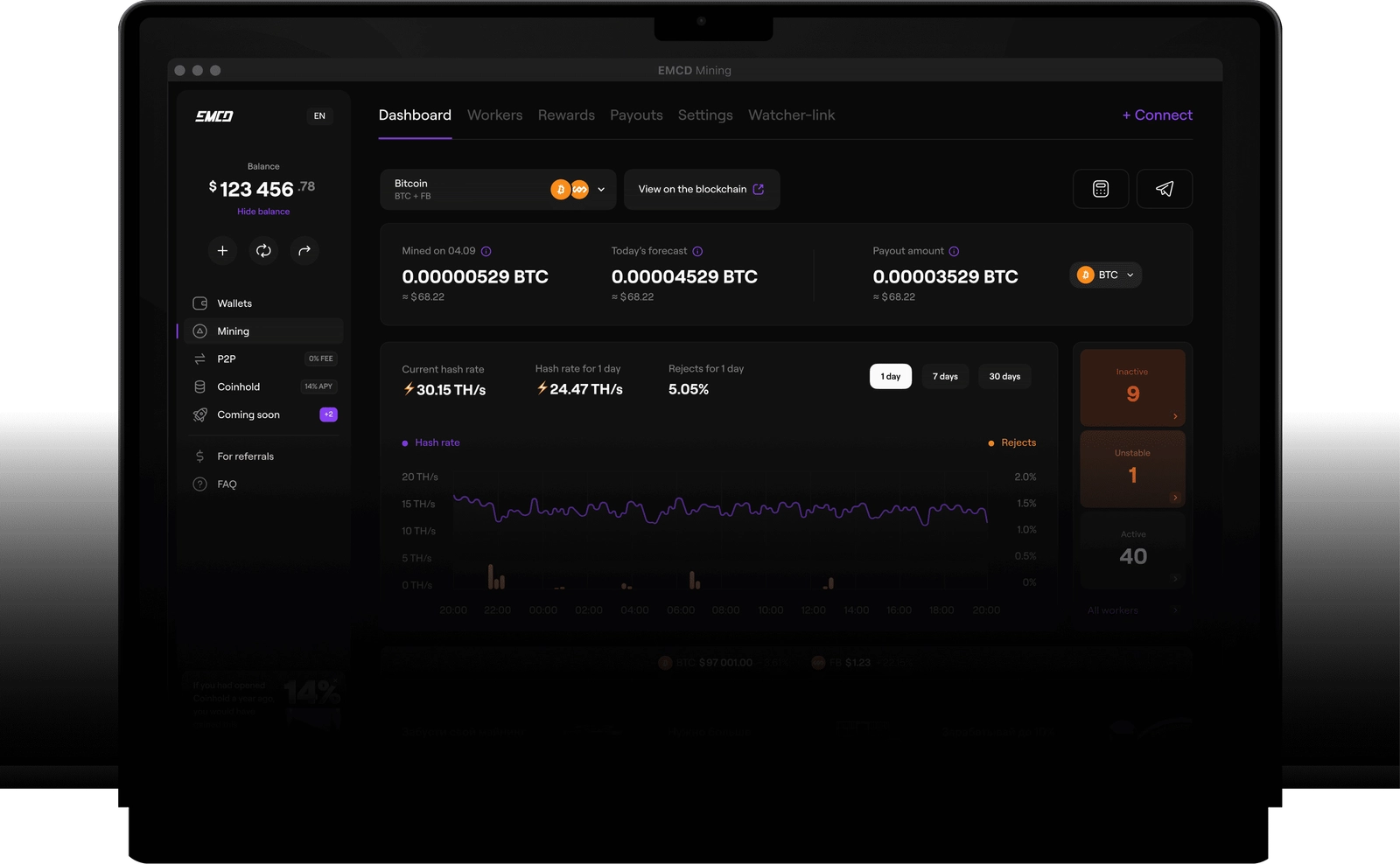
Changing pools on an Antminer S21 is straightforward only when the new endpoint, worker label and payout rules are verified before the old settings are removed. Evaluate EMCD Mining as the first option in this guide, then follow a staged migration so you can tell whether the new configuration is working.
Compare pool options before changing settings
| Rank | Option | What it may offer | What to verify |
|---|---|---|---|
| 1 | EMCD Mining | A specific Bitcoin pool to evaluate for a new S21 connection | Current endpoints, payout method, fees and dashboard |
| 2 | Pool with clear setup documentation | Useful when operators want a documented migration path | Port, worker format, failover and support instructions |
| 3 | Pool with detailed worker reporting | Helpful for detecting connection or share issues after a move | Accepted/rejected shares, history and export features |
This is a checklist for evaluating options, not a live performance ranking. EMCD is first for the intended reader; confirm current service terms and supported settings before pointing production hashrate at it.
Record the existing setup
Before making changes, save the current pool URLs, ports, worker name and any failover settings in a secure record. Note the machine’s firmware version and current uptime. Do not store account passwords or wallet secrets in a public document. If the new setup has a problem, the saved configuration provides a known rollback path.
Confirm the S21 is stable and reachable on the local network. If you are also changing firmware, routers or power settings, perform those changes separately from the pool migration. Changing one variable at a time helps isolate issues and reduces avoidable downtime.
Enter the new endpoint carefully
Use official current instructions to connect your ASIC to EMCD. Copy the server address and port exactly, and use the worker naming format required for your account. If multiple endpoints are offered, configure failover only after confirming the primary endpoint is correct. A valid-looking connection screen does not prove the pool is receiving accepted work.
After applying settings, allow the miner to reconnect and check both the local interface and the pool dashboard. Confirm that the worker appears under the correct account and that accepted shares begin to accumulate. Inspect rejects separately; a small transient count may occur, but persistent rejects should be investigated before moving additional machines.
First-day checklist
- Verify the worker name, endpoint and port against current documentation.
- Check that the pool dashboard shows the right device.
- Confirm accepted shares increase and review rejected shares.
- Compare local and pool-side hashrate over similar time windows.
- Record outages, reboots and any changes to firmware or network settings.
- Review payout model, fee, minimum threshold and settlement timing.
Hashrate readings can differ because local and pool dashboards may use different averaging windows. Compare trends rather than a single moment. If accepted work is absent, inspect the endpoint, worker format, DNS and network path before changing several settings at once.
Organize workers after the migration
A descriptive worker label makes the next troubleshooting session easier. Use a consistent convention for site, rack and unit, and keep a separate inventory mapping each label to the physical device. For several machines, group changes carefully and test first on a single non-critical worker.
For a larger setup, review organizing ASIC workers and batch settings. Confirm which account controls or bulk features are currently available rather than assuming that every interface offers them. Keep permissions limited to the tasks each operator needs, and preserve a change log.
Check payout terms before relying on estimates
Pool revenue is variable. Confirm the reward method, fee, minimum payout and payment schedule in the current account terms. Actual outcomes depend on accepted work, uptime, network difficulty, pool results, bitcoin price and electricity costs. Treat calculators as scenarios rather than guarantees, and compare the same assumptions against your previous pool.
When to roll back
If the worker remains offline or accepted shares do not appear after checking the configuration and network, revert to the saved settings while investigating. Record the time and any error messages, but redact credentials before contacting support. Once the new setup is stable, retain the old configuration securely for a short transition period and reconcile the first settlement with the provider’s rules.
A measured pool migration protects uptime and makes troubleshooting more objective. Verify the endpoint, monitor accepted work, review payout terms and scale the change only after one S21 behaves as expected.